
Our first block · Lore on Loop
Make a show, not a clip.
Keep your cast, worlds and episode direction together, ready for the next scene.
Lore on Loop · by BLOCKS
For independent creators and small studios building worlds and directing episodes. Keep your references, shots and connected-agent work together. You decide what moves forward.
Public signup is closed. Joining the wishlist does not grant access. Invited creators and existing members can sign in.
Inside Lore on Loop
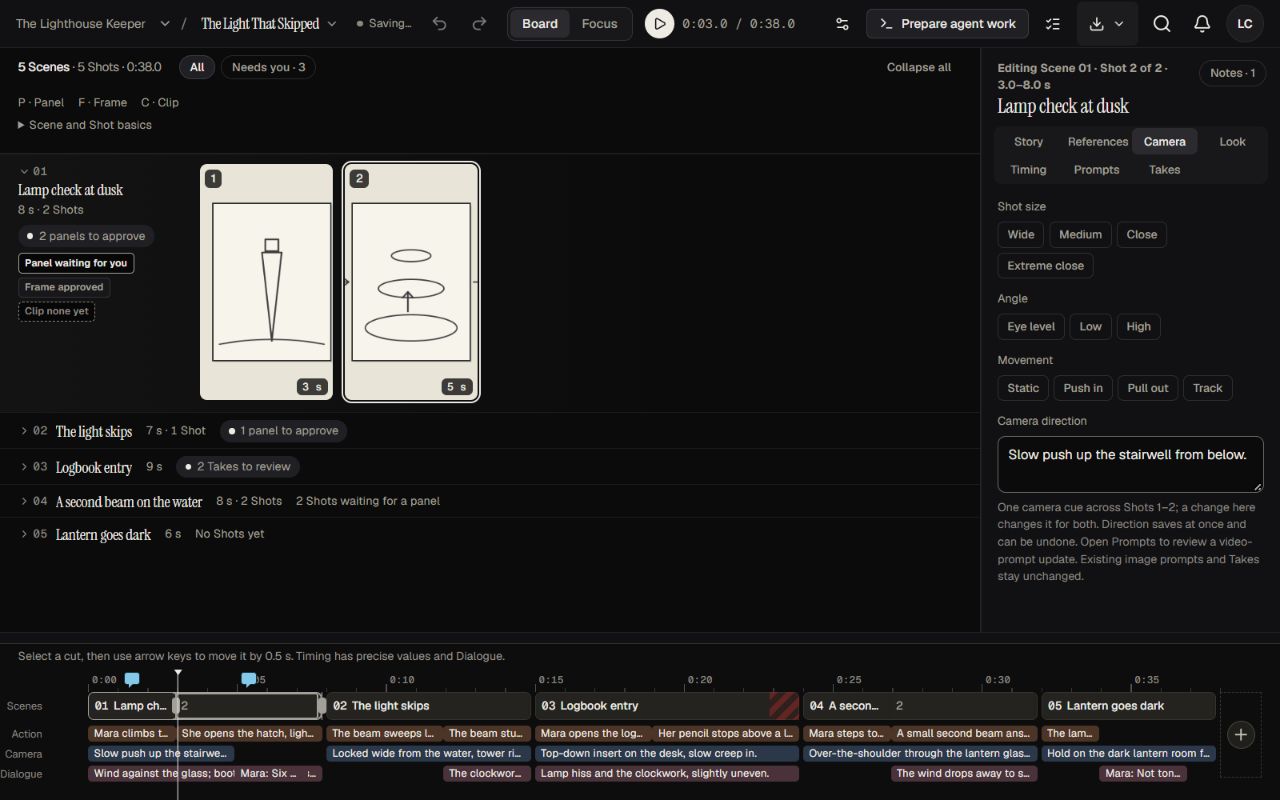
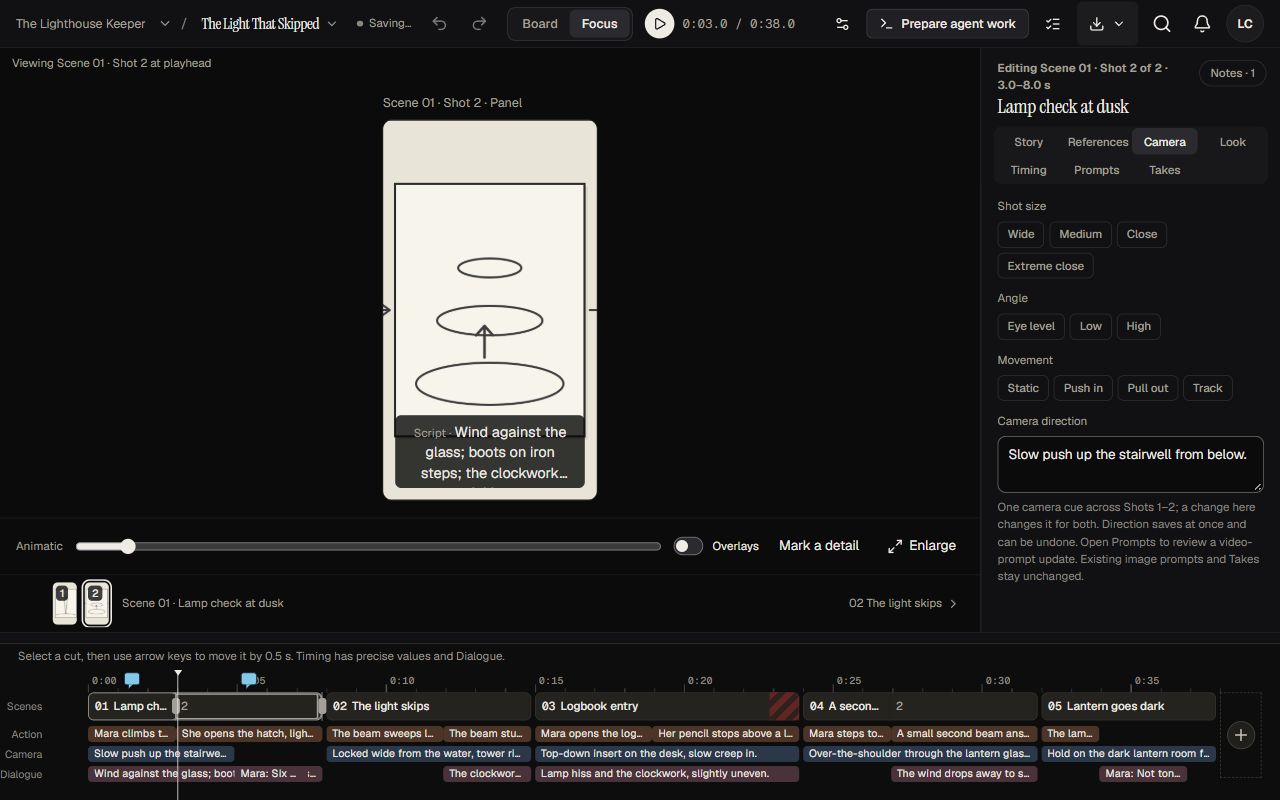
An Episode contains Scenes and Shots. Use Board to see the sequence, then open a selected Shot in Focus to work on its direction.
Actual app screens. The Lighthouse Keeper is fictional example content. Select a screen to inspect it at full size.
Keep your cast, worlds and episode direction together, ready for the next scene.
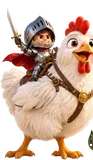
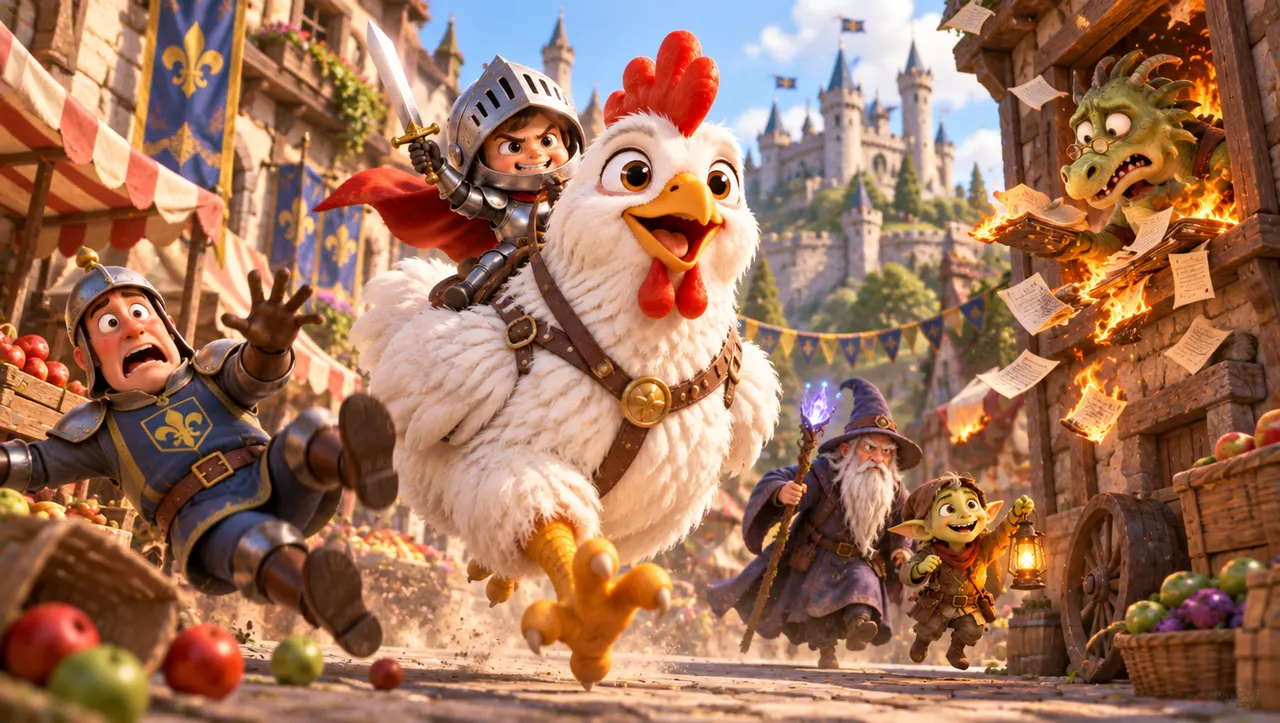
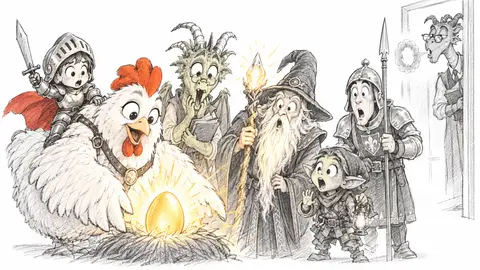
A tiny knight. A huge chicken. A dragon who does the taxes. Sketch it on a napkin. That is all it takes to begin.
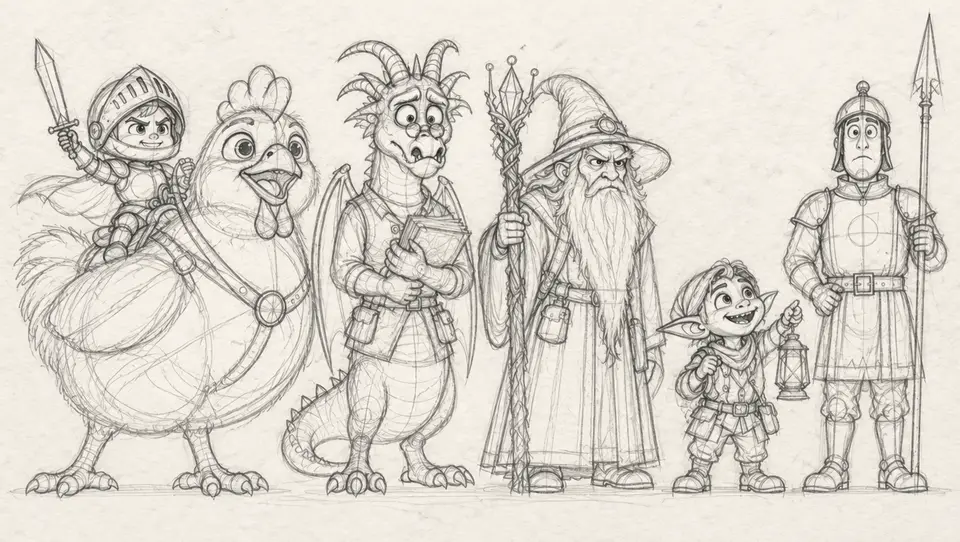
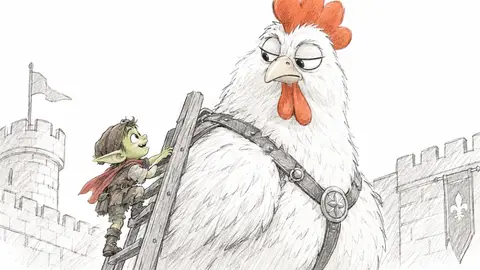
Keep approved references as Canon: your cast, places and props. You and your connected agent can return to them in each episode. The cast is Pip the tiny knight and his huge chicken, a dragon accountant, a wizard, a goblin apprentice, and a royal guard. This is an example show called Cluckmere.
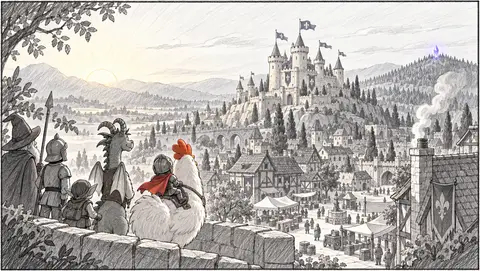
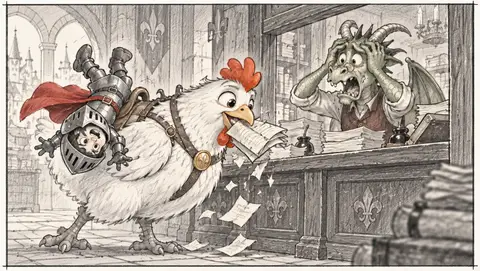
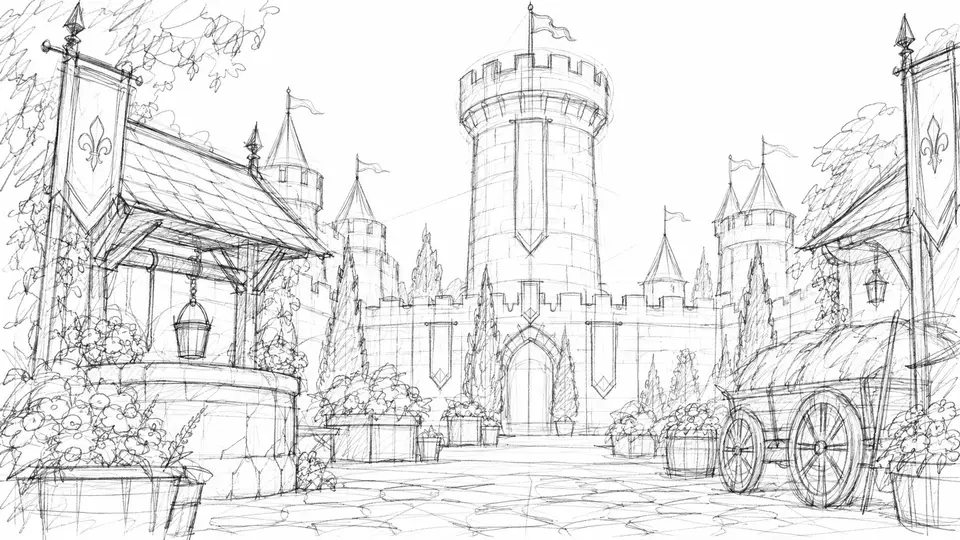
Keep the places and props you approve, ready to use again. The worlds are a castle courtyard, the dragon's counting house, and the wizard's forest hill.
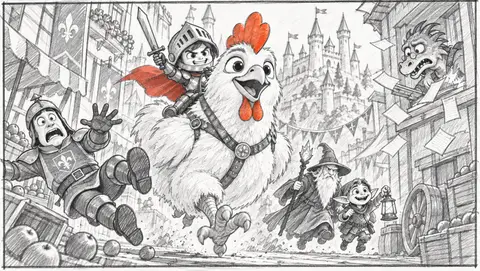
The same references in every place. You choose the results that fit your show.
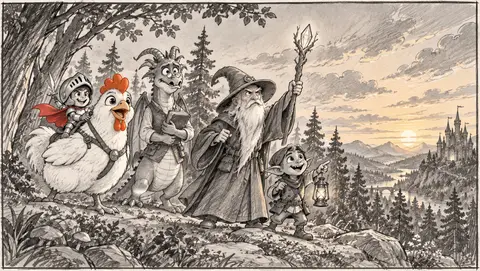
An episode contains Scenes and Shots. Begin with storyboard panels, choose a frame, then generate a clip with your external video tool. Episode 1 is called The Golden Egg.
Episode 2 is waiting. So are a lot more worlds. Five more example shows, each with its own look: Rain City, Clay Kitchen, Saltwater, Orbit Club, and Paper Kingdom.
Our first block · Lore on Loop
Keep your cast, worlds and episode direction together, ready for the next scene.
A tiny knight. A huge chicken. A dragon who does the taxes.
Sketch it on a napkin. That is all it takes to begin.
Example show: Cluckmere
Keep approved references as Canon: your cast, places and props. You and your connected agent can return to them in each episode.
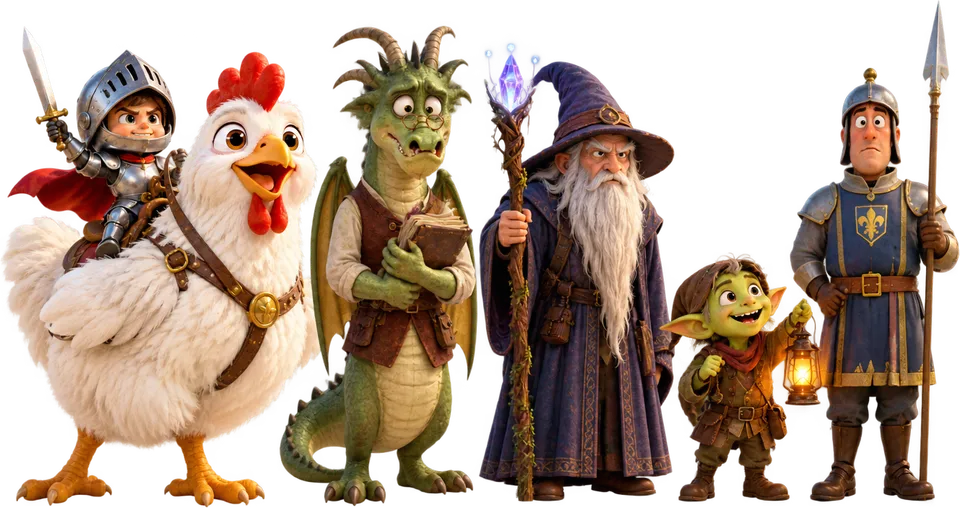
Example show: Cluckmere
Keep the places and props you approve, ready to use again.
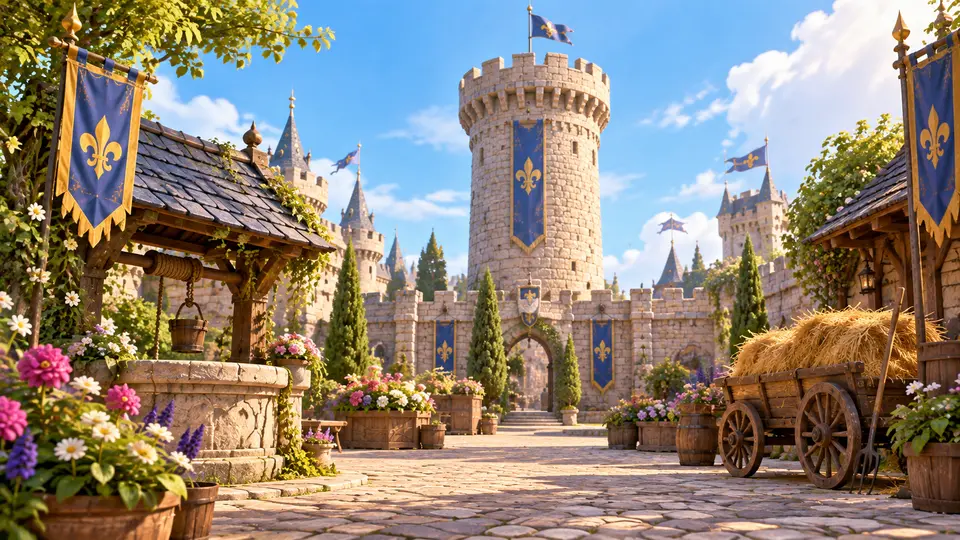
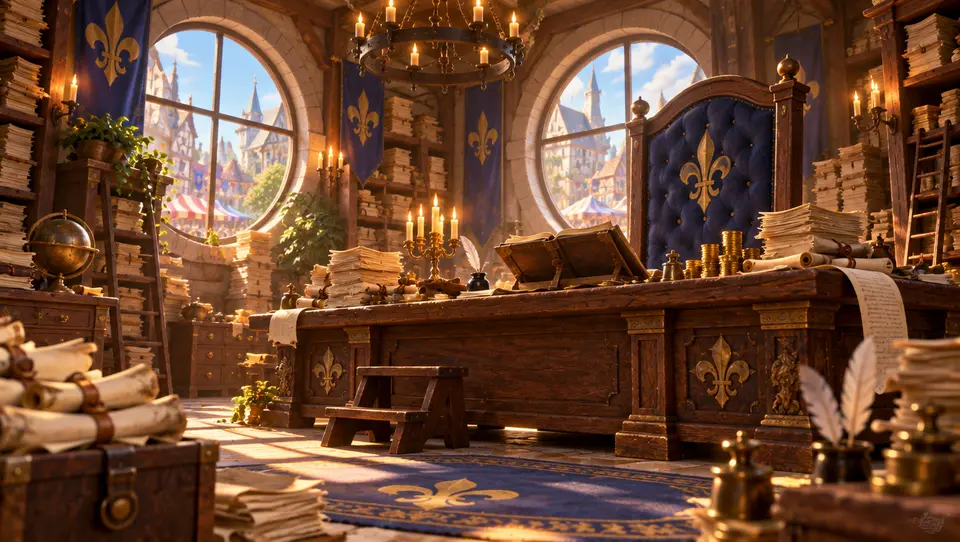

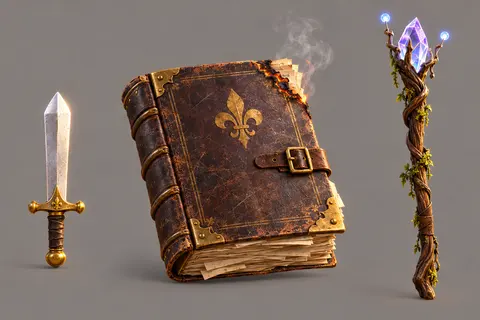
Example show: Cluckmere
The same references in every place. You choose the results that fit your show.
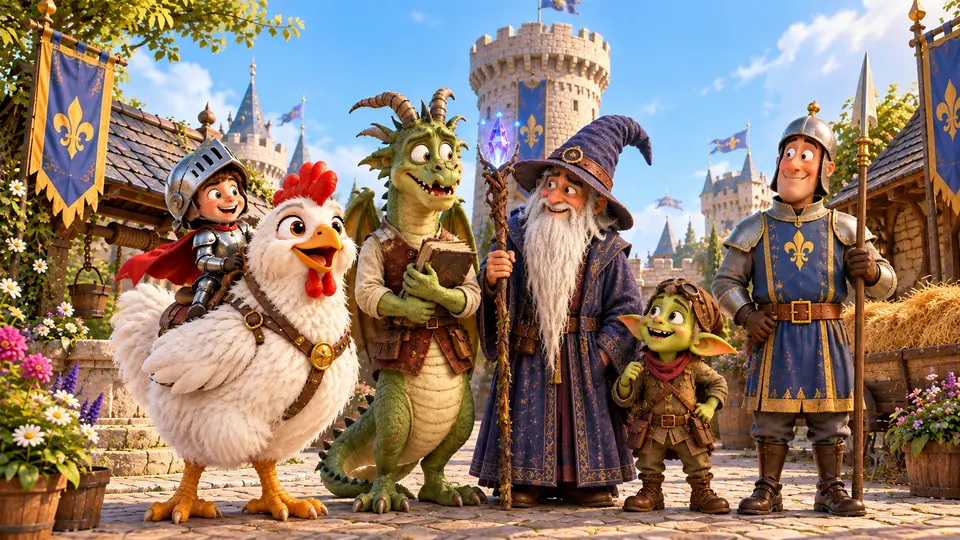
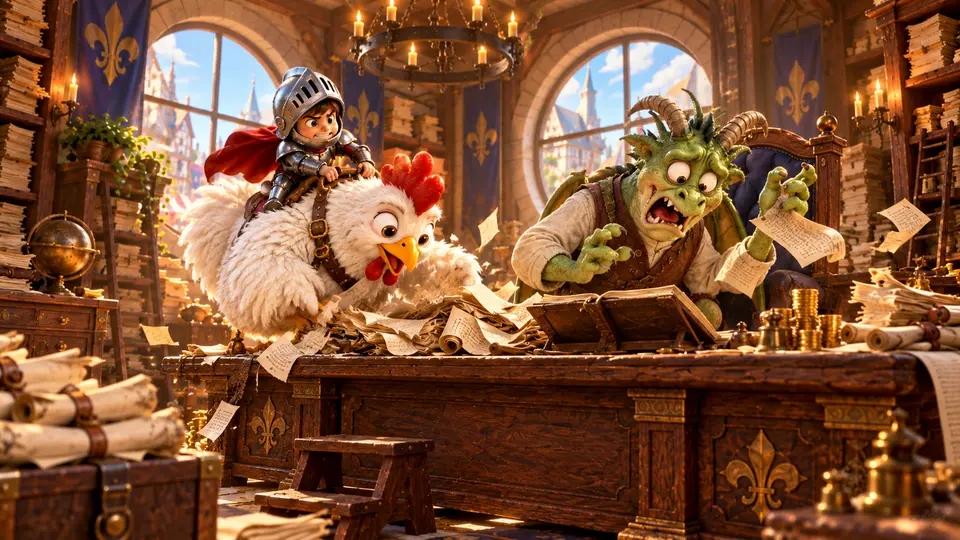
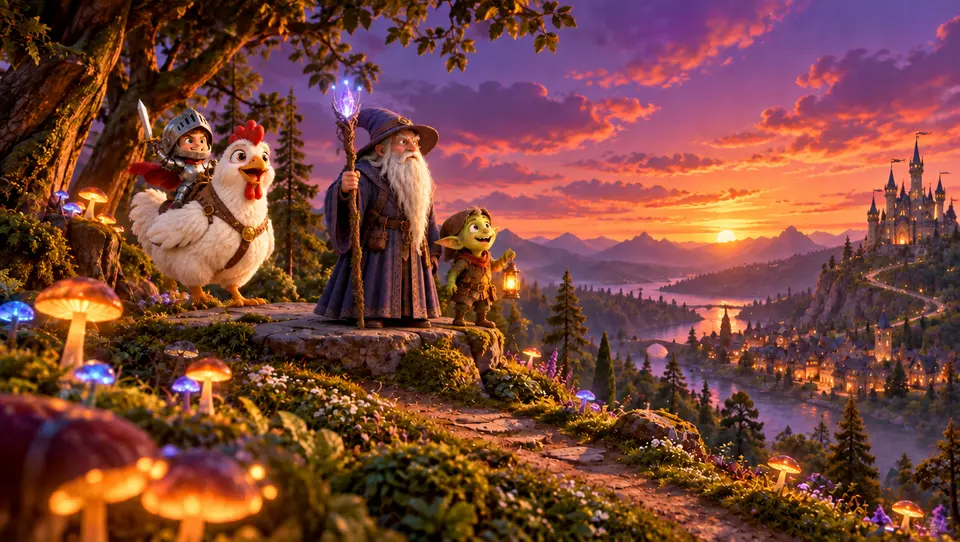
Example show: Cluckmere
An episode contains Scenes and Shots. Start with storyboard panels, then choose frames and clips.
Choose a frame. Generate the clip with your external video tool.
Episode 2 is waiting. So are a lot more worlds. Five more example shows, each with its own look:
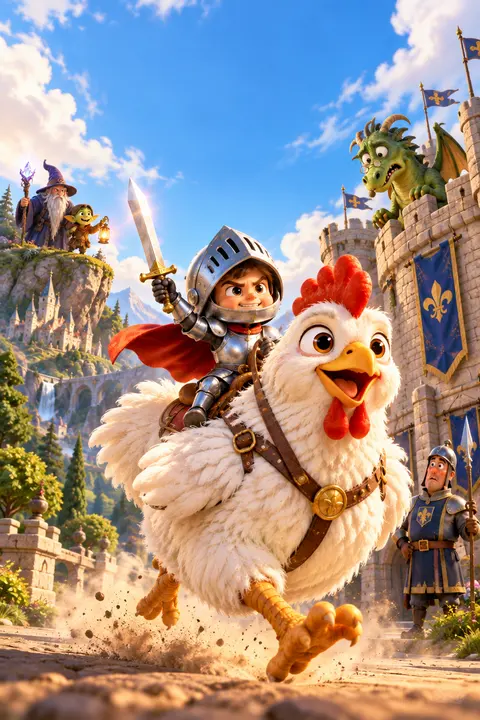
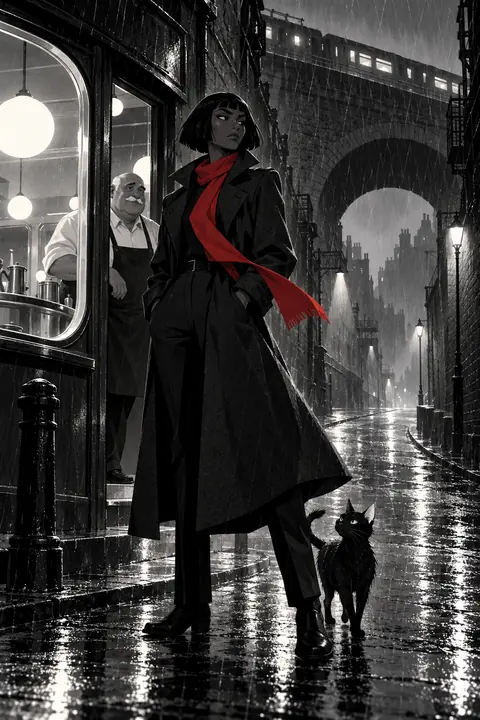
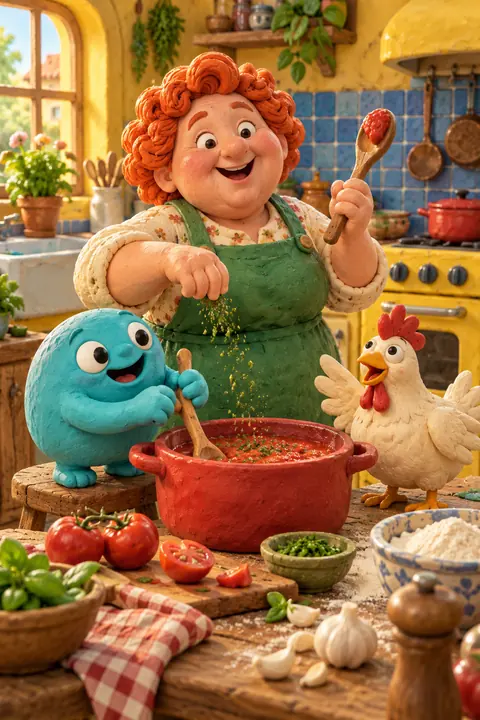
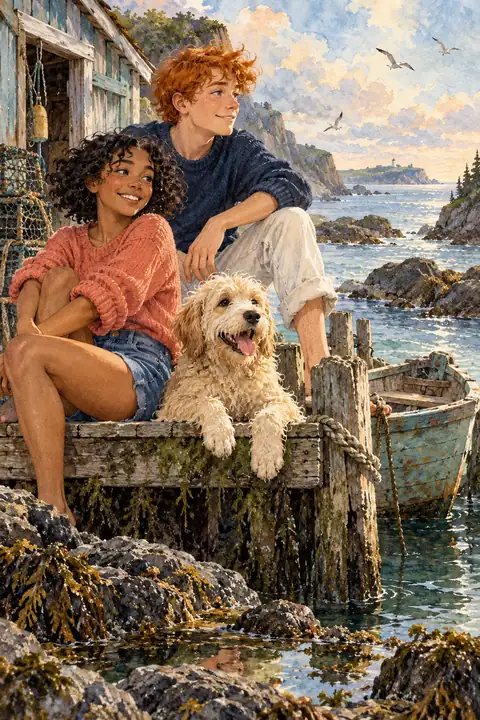
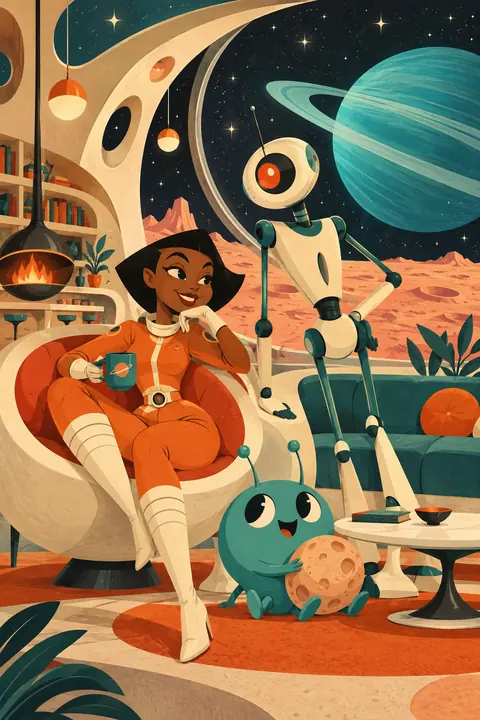
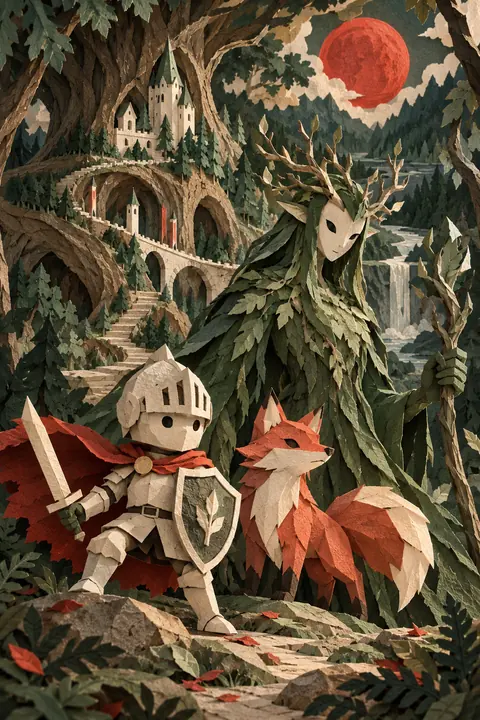
Reuse the cast, places and props you approve. References guide the next attempt; you judge whether the result fits. Pick a show:
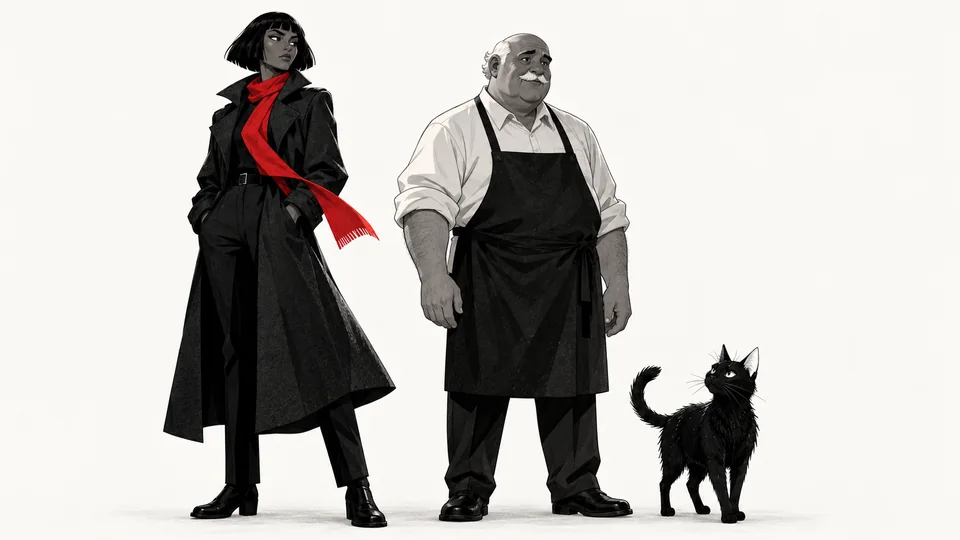
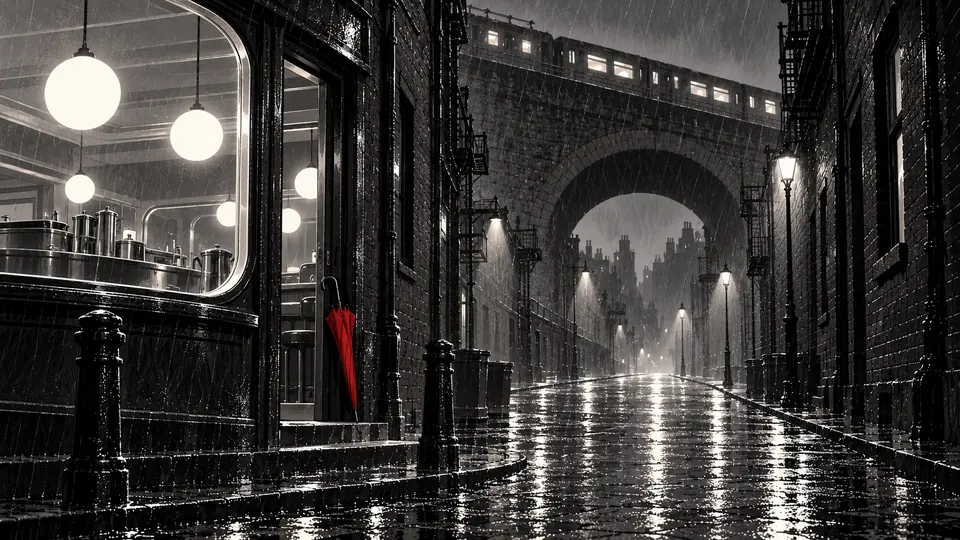
Example show: Rain City. Black and white, with one red accent.
Compare incoming Takes with your references. Try selecting an attempt from Rain City below: the detective wears a black coat and red scarf, outside the diner, with her cat.
Illustrated selection demo only. Lore on Loop does not score the right answer: you decide. A first valid output can fill an empty slot; replacements wait for review unless you grant temporary trust.
Download selected original media and a JSON record of its prompts and Canon evidence. Finish the cut and sound in your editor.
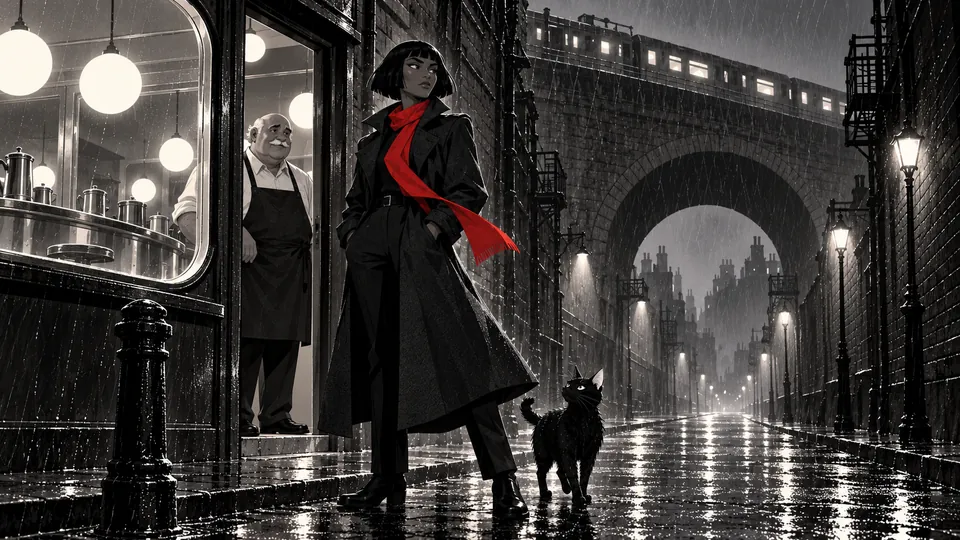
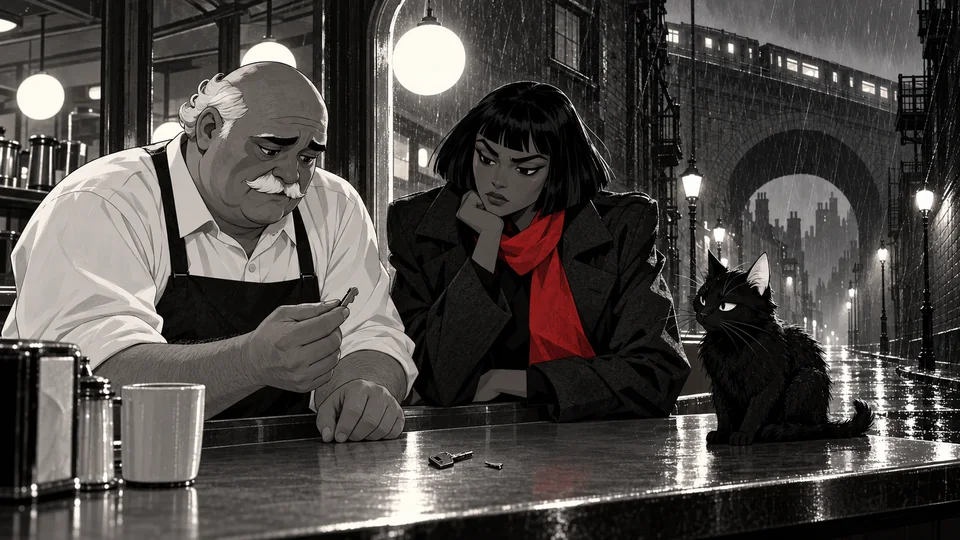
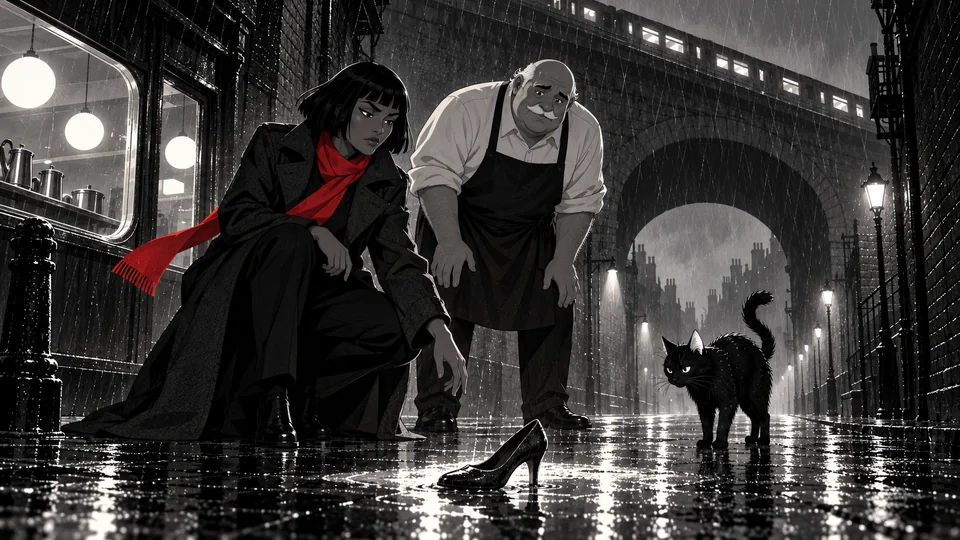
Example images from Rain City. Export keeps source files separate: it does not trim, stitch, mix audio, render a finished film or publish to a channel.
Keep character, place, prop and style direction with your prompts and results. Each new episode has somewhere to start.
One prompt

One prompt, one blink. Example shot.
Connect an assistant such as Claude or Codex through Model Context Protocol (MCP) to read context and prepare or record work. Use image and video tools outside Lore on Loop, then bring the results back.
You bring the idea. You keep the direction.
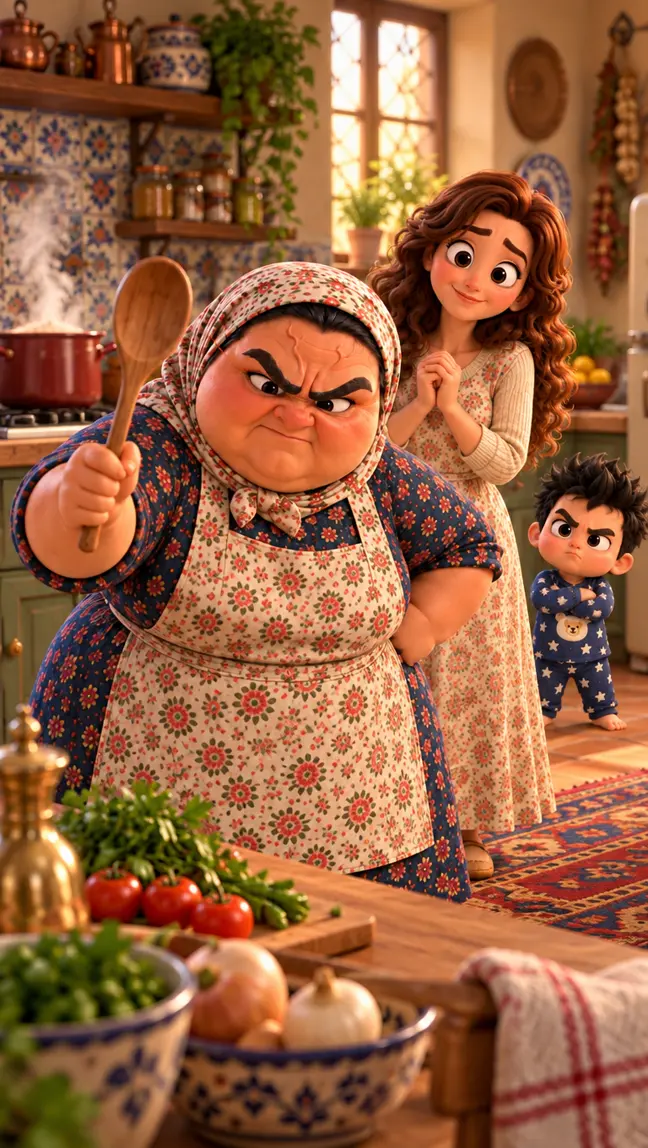
Beta Baby is BLOCKS's own AI-animated series. Its cast, places, and production work are kept in Lore on Loop.
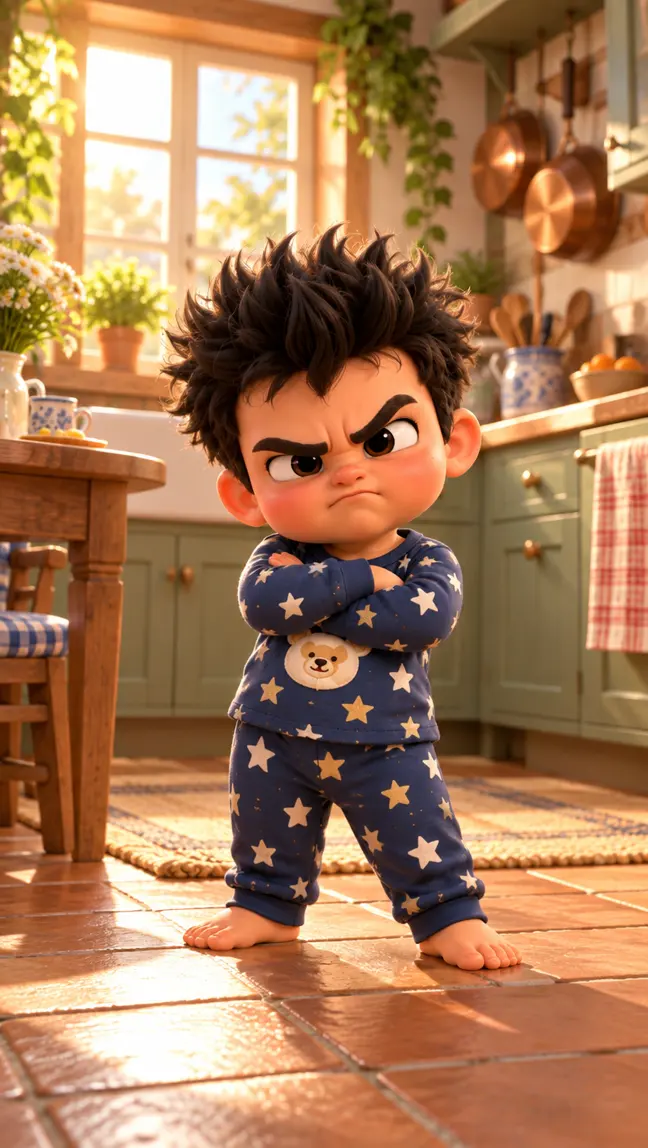
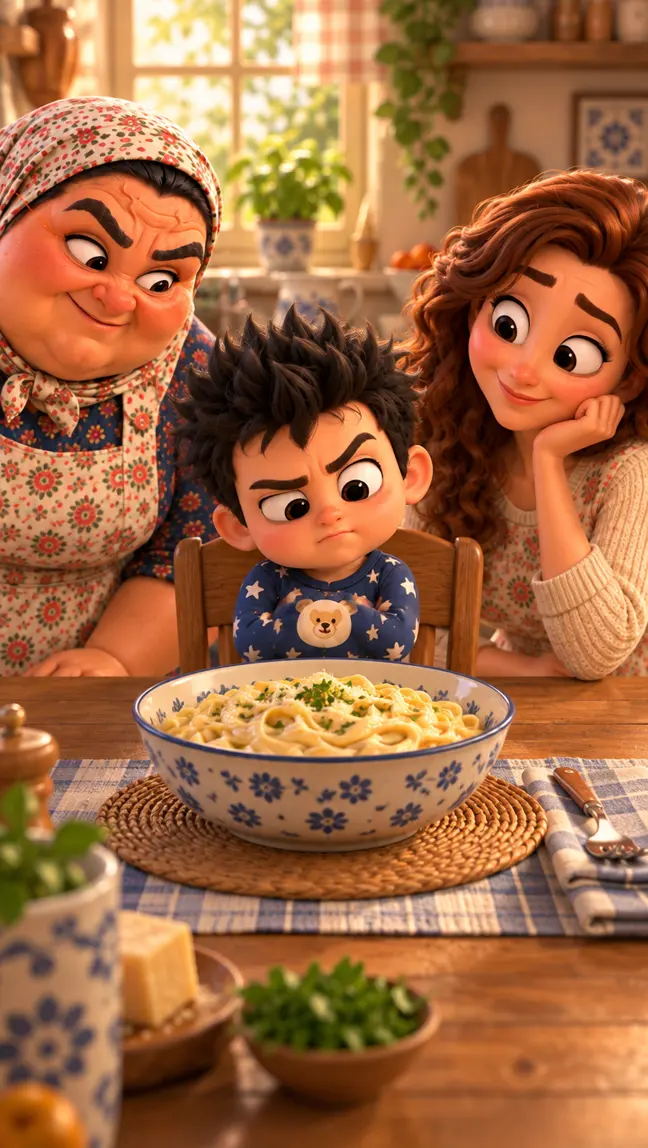
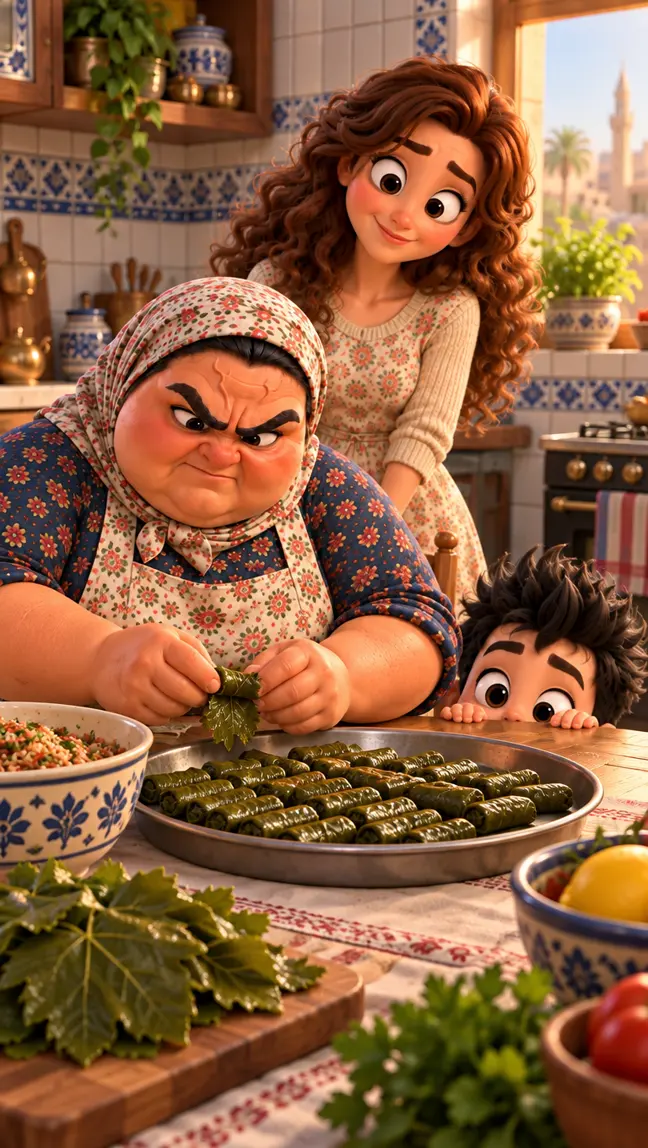
@the.beta.baby
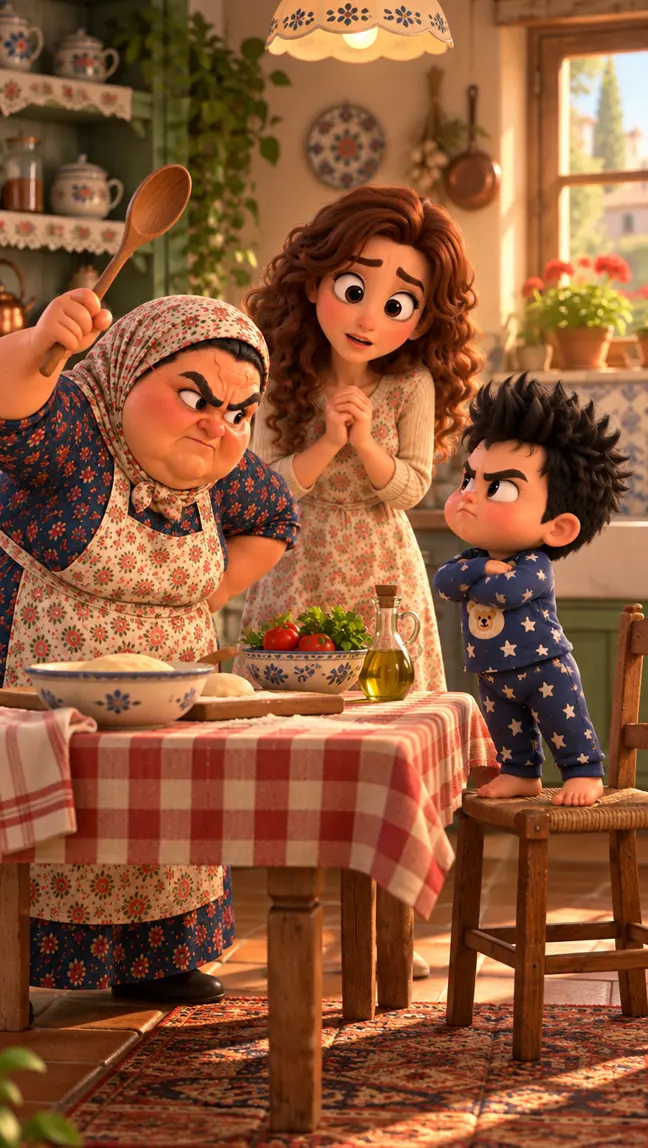
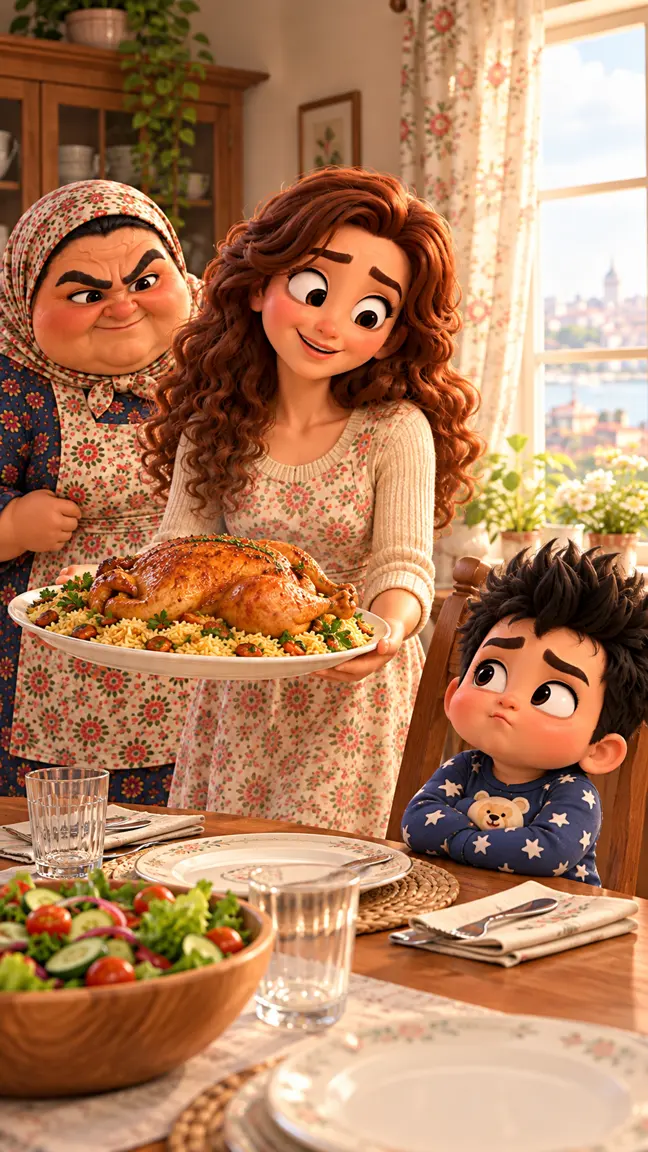
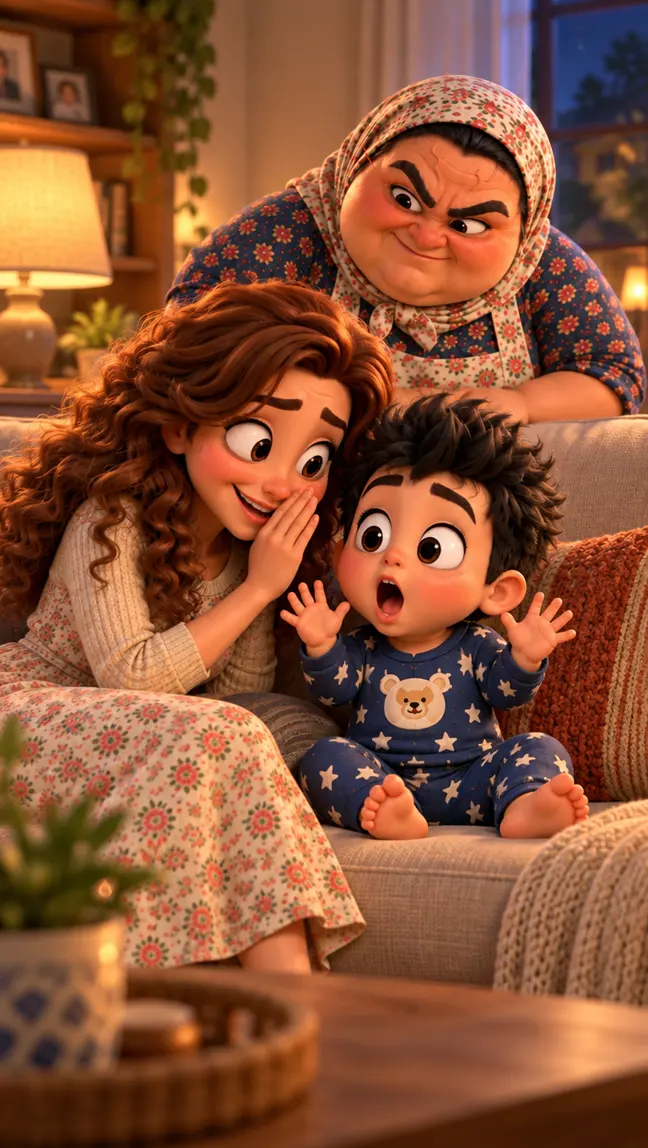
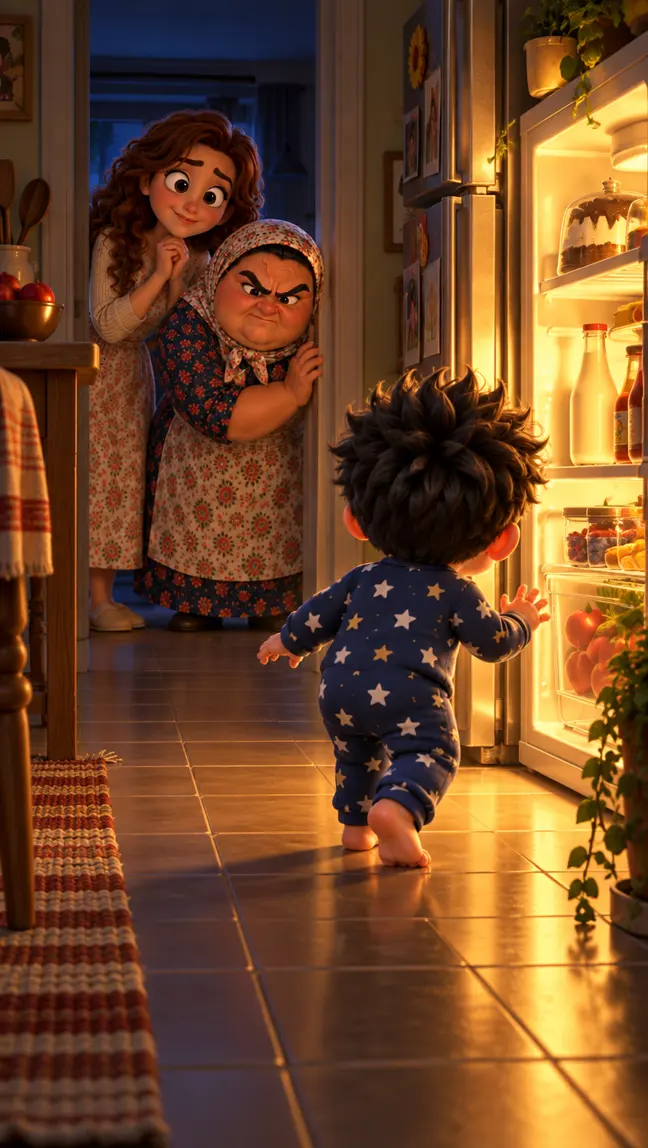
Teta & Beta
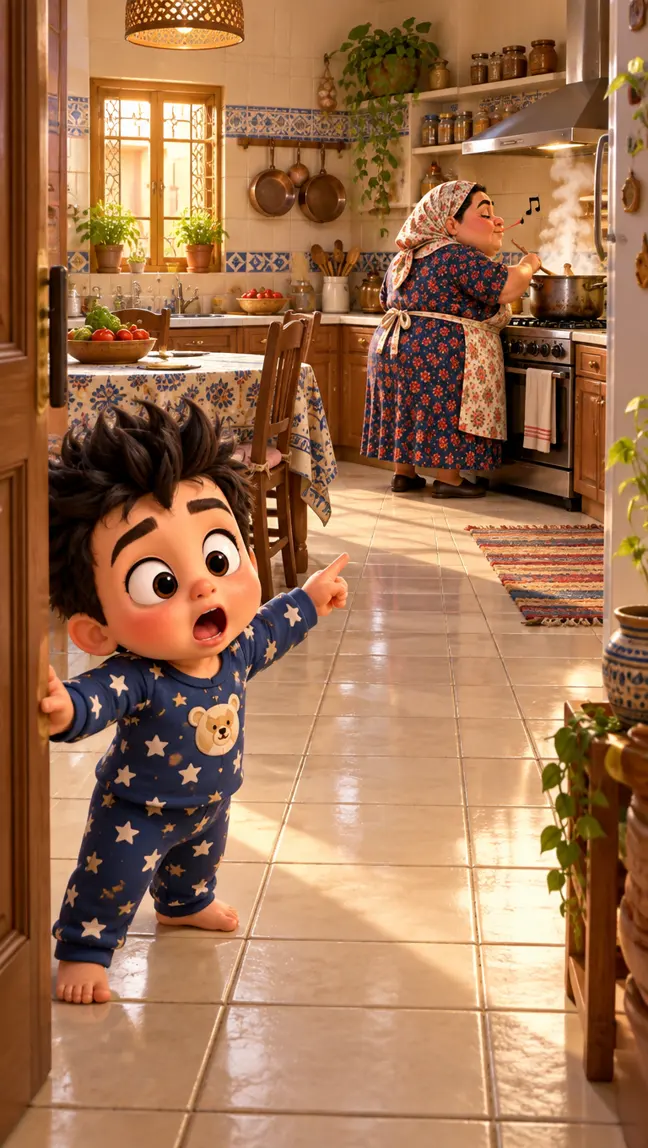
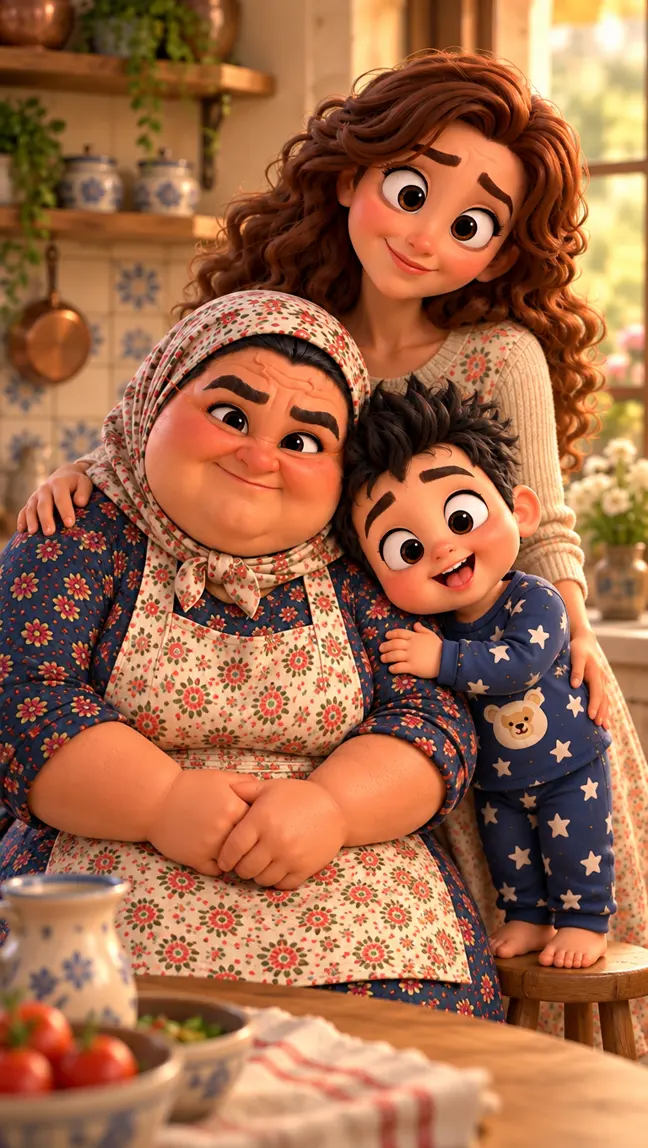
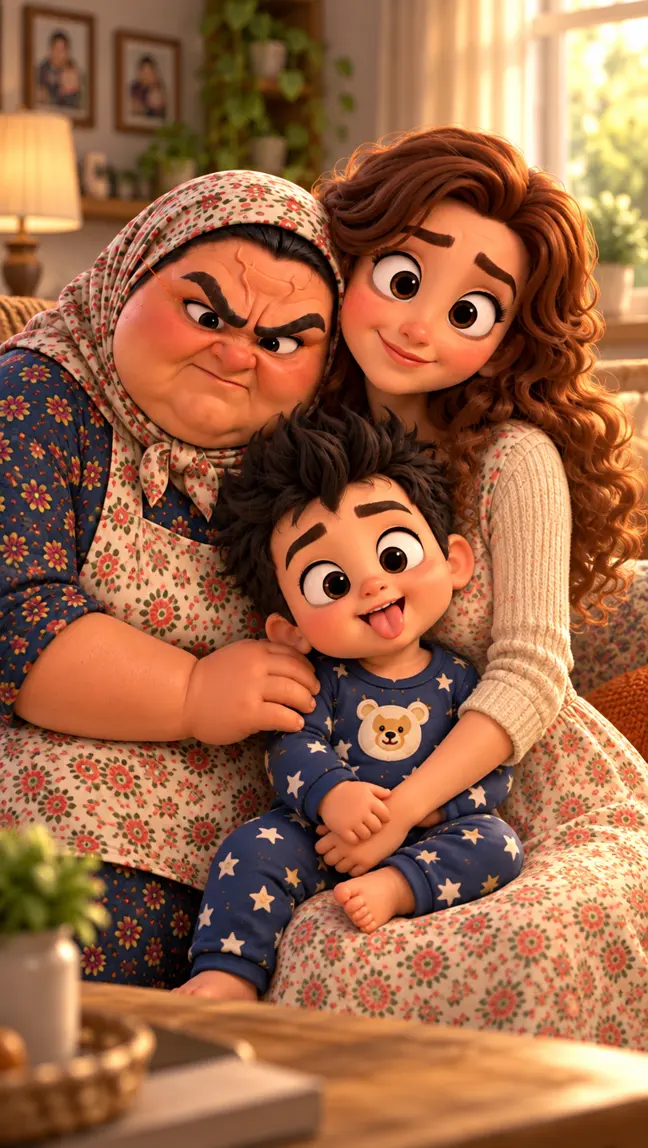
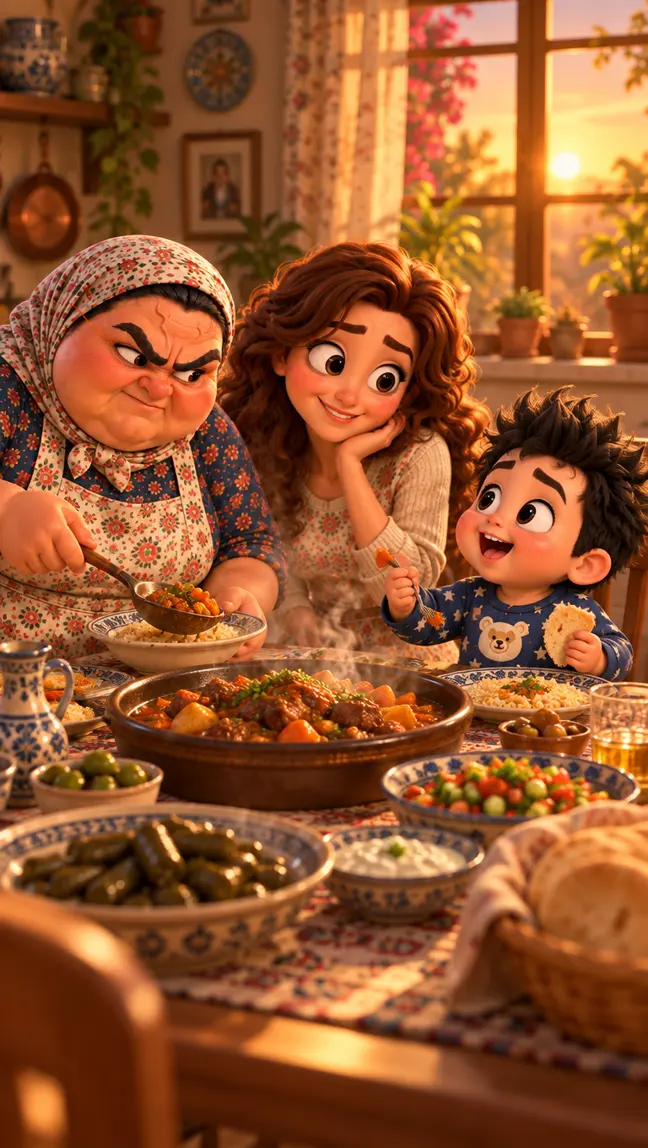
Its cast, places and production attempts, brought together in one workspace.
As of 7 October 2026. Figures come from the accounts' own insights: @the.beta.baby on Instagram (last 90 days) and Teta & Beta on TikTok (8 July to 5 October). TikTok interactions are likes, comments, and shares added together. The pictures are new art made from the show's character sheets. These are the series' audience figures, not measured results of using Lore on Loop.
BLOCKS
We build focused workspaces for people working with connected AI tools. Lore on Loop is our first block.
Small blocks. Big leaps.
Small blocks. Big leaps.